✓ Refurbished PCs offer significant savings (30-50% off new).
✓ Certified refurbished units undergo rigorous testing and often come with warranties.
✓ Focus on CPU, GPU, and RAM for optimal gaming performance within your budget.
✓ Reputable sellers and clear return policies are crucial for a safe purchase.
How It Works
1
Research Reputable Sellers
Identify certified refurbishers and trusted online marketplaces. Look for vendors with transparent grading systems and strong customer reviews.
2
Define Your Gaming Needs
Determine which games you want to play and at what resolution/frame rate. This will help you prioritize components like the GPU and CPU.
3
Scrutinize Specifications & Warranty
Carefully examine the hardware details, ensuring key components meet your requirements. Always confirm the warranty period and what it covers for peace of mind.
4
Inspect & Test Upon Arrival
Once your PC arrives, thoroughly inspect it for any physical damage and immediately run diagnostic tests. Verify all components are as advertised and perform optimally.
Why Choose a Refurbished Gaming PC Under $800?
Photo: Déji Fadahunsi / Pexels
In today's fast-paced tech world, the allure of a brand-new, top-of-the-line gaming PC is undeniable. However, for many gamers, the hefty price tag associated with cutting-edge hardware can be a significant barrier. This is where the smart choice to buy refurbished gaming PC under $800 comes into play, offering a compelling alternative that doesn't compromise on performance or your wallet. The primary advantage, of course, is the cost saving. Refurbished units are typically priced 30-50% lower than their new counterparts, allowing you to access higher-tier components that would otherwise be out of reach within an $800 budget. This means you could potentially snag a PC with a more powerful graphics card or a faster processor than you'd get from a new system at the same price point.
Beyond just savings, choosing a refurbished gaming PC is also an environmentally conscious decision. By giving a perfectly functional piece of technology a second life, you contribute to reducing electronic waste and the demand for new manufacturing, which has a substantial ecological footprint. Many refurbished units are returns from customers who changed their minds, display models, or systems with minor cosmetic imperfections that have been professionally restored to full working order. They aren't necessarily 'broken' items; rather, they've been given a new lease on life through meticulous inspection, repair (if needed), and rigorous testing by certified technicians.
Furthermore, the quality assurance process for certified refurbished gaming PCs is often surprisingly thorough. Reputable refurbishers adhere to strict standards, performing comprehensive diagnostics and replacing any faulty components. This process often includes cleaning, software reinstallation, and performance benchmarking, ensuring the system meets or even exceeds original factory specifications. In many cases, these PCs come with a warranty, sometimes comparable to a new product warranty, providing an added layer of security and peace of mind. This means you're not just buying a 'used' computer; you're investing in a professionally restored and tested machine that offers excellent value. Understanding these benefits is the first step towards making an informed decision when you decide to explore budget gaming options and secure a powerful setup without overspending. The key is to approach the market with knowledge and a clear understanding of what to look for, ensuring you maximize your investment in a gaming experience that rivals more expensive alternatives.
Key Components to Prioritize in Your $800 Refurbished Gaming PC
Photo: Official Glacier / Pexels
When you set out to buy refurbished gaming PC under $800, understanding which components are most critical for gaming performance is paramount. Your budget dictates that you'll need to make smart trade-offs, and focusing on the core trinity of CPU, GPU, and RAM will yield the best results.
**Graphics Card (GPU):** This is arguably the single most important component for gaming. For an $800 budget, you should aim for a dedicated graphics card from NVIDIA's GTX 16-series (e.g., GTX 1660 Super) or RTX 20-series (e.g., RTX 2060), or AMD's RX 5000-series (e.g., RX 5600 XT) or RX 6000-series (e.g., RX 6600). These cards will allow you to play most modern games at 1080p resolution with respectable frame rates, often on medium to high settings. A more powerful GPU means smoother gameplay and better visual fidelity, so prioritize this over other components if possible.
**Processor (CPU):** While the GPU handles most of the heavy lifting in gaming, a capable CPU is essential to prevent bottlenecks. For your budget, look for an Intel Core i5 (9th generation or newer) or Core i7 (7th generation or newer), or an AMD Ryzen 5 (2nd generation or newer). These processors offer sufficient multi-core performance for gaming and everyday tasks. Don't feel pressured to get the absolute latest generation; older, high-end refurbished CPUs can still offer fantastic performance for the price.
**RAM (Random Access Memory):** 16GB of DDR4 RAM is the sweet spot for modern gaming. While 8GB might suffice for some older titles, 16GB ensures smoother multitasking, better performance in memory-intensive games, and future-proofing. Look for speeds of at least 2666MHz, though 3000MHz or 3200MHz would be a bonus. Ensure the system has at least two RAM sticks (dual-channel) for better performance.
**Storage (SSD vs. HDD):** While not directly impacting frame rates, storage significantly affects load times. An SSD (Solid State Drive) for your operating system and primary games is non-negotiable. Even a smaller 256GB or 500GB SSD will make a huge difference in system responsiveness. If the budget allows, a combination of a smaller SSD for the OS and a larger HDD (1TB or more) for game storage is ideal. If you can only get one, prioritize an SSD and consider upgrading the storage later if needed. Mechanical hard drives (HDDs) are slow by comparison and will drastically increase load times.
**Power Supply Unit (PSU):** Often overlooked, a reliable PSU is crucial for system stability and longevity. Ensure the refurbished PC has a PSU with sufficient wattage for the components, typically 500W-650W for the GPUs mentioned above, and from a reputable brand (e.g., Corsair, EVGA, Seasonic). While you might not be able to choose the exact model, a good refurbisher will ensure it's adequate and tested.
By focusing your search on these key components, you'll be well-equipped to identify a refurbished gaming PC that delivers excellent gaming performance within your $800 budget. Remember, a balanced system is key, but the GPU often holds the most weight in gaming performance metrics.
Where to Find and How to Vet Refurbished Gaming PCs Under $800
Photo: Julio Lopez / Pexels
Finding a reliable source is just as important as knowing what components to look for when you decide to buy refurbished gaming PC under $800. Not all refurbished sellers are created equal, and understanding the nuances of different marketplaces can save you from potential headaches.
**Reputable Online Retailers and Certified Refurbishers:** Your safest bet is to start with well-known online retailers and certified refurbishers. Companies like Amazon Renewed, Newegg, Best Buy Outlet, and Dell Outlet often have dedicated sections for refurbished electronics. These platforms typically offer a standardized refurbishment process, often backed by the original manufacturer or a certified third-party. Look for terms like 'certified refurbished,' 'manufacturer refurbished,' or 'seller refurbished with warranty.' These usually imply a thorough inspection, testing, and a return policy, which is critical for peace of mind. Specific refurbishing companies like Micro Center also offer excellent options, often with in-store support.
**eBay and Other Marketplaces (with caution):** While eBay can offer incredible deals, it requires more diligence. Look for sellers with high positive feedback ratings (98% or higher) and a long history of sales. Always choose sellers who offer a clear return policy and state the condition of the item explicitly. Avoid listings that are vague or don't include actual photos of the item. Filtering by 'seller refurbished' or 'manufacturer refurbished' is often a good starting point.
**Local Options:** Don't overlook local computer repair shops or small businesses specializing in used electronics. They might have a smaller inventory, but you can often inspect the PC in person and discuss details directly with the seller. This personal touch can be reassuring, but ensure they offer a warranty or a reasonable return window.
**What to Vet Before Buying:**
1. **Warranty:** This is non-negotiable. A good refurbished PC should come with at least a 90-day warranty, with 1-year being ideal. Understand what the warranty covers (parts, labor, shipping) and the process for making a claim.
2. **Return Policy:** What is the return window? Is there a restocking fee? Can you return it for any reason, or only if it's defective? A clear, no-hassle return policy is a strong indicator of a trustworthy seller.
3. **Refurbishment Process:** Does the seller detail their refurbishment process? Do they replace faulty parts, clean the system, and perform stress tests? Transparency here builds trust.
4. **Grading System:** Some sellers use a grading system (e.g., A-grade for like-new, B-grade for minor cosmetic flaws). Understand what each grade means. For an $800 gaming PC, minor cosmetic imperfections are acceptable if the internal components are solid.
5. **Reviews:** Always read reviews specifically about the seller's refurbished products, not just their new items. Look for comments on product quality, customer service, and warranty claims.
6. **Component Verification:** Once you receive the PC, use software like CPU-Z, GPU-Z, and CrystalDiskInfo to verify that the components (CPU, GPU, RAM, SSD) match the advertised specifications. Run benchmarks and stress tests (e.g., FurMark, Prime95) to ensure stability and performance. Checking for common PC issues can prevent future problems.
By following these guidelines, you significantly increase your chances of finding a high-quality, reliable refurbished gaming PC that meets your performance expectations without exceeding your budget.
Avoiding Pitfalls: Common Mistakes When Buying Refurbished Gaming PCs
Photo: panumas nikhomkhai / Pexels
While the prospect of saving money by choosing to buy refurbished gaming PC under $800 is appealing, there are common pitfalls that buyers often encounter. Being aware of these can help you navigate the market more effectively and ensure a satisfactory purchase.
**1. Ignoring the Warranty and Return Policy:** This is perhaps the biggest mistake. A refurbished item, by its nature, has had a previous life. While professional refurbishment aims to restore it to peak condition, issues can arise. A robust warranty (at least 90 days, preferably longer) and a clear, no-questions-asked return policy are your safety nets. Without them, you could be stuck with a non-functional or underperforming machine.
**2. Overlooking Cosmetic Damage:** While internal performance is key, don't completely disregard external condition. Minor scratches are often acceptable for a refurbished unit, but significant dents, cracks, or missing ports could indicate a rough previous life or inadequate refurbishment. Ensure the seller's description accurately reflects any cosmetic imperfections.
**3. Focusing Only on Price:** The cheapest option isn't always the best. An unbelievably low price might signal a seller cutting corners on refurbishment, using sub-par replacement parts, or offering no warranty. Balance cost savings with the reputation of the seller and the quality of their refurbishment process.
**4. Not Verifying Components Upon Arrival:** As mentioned earlier, always verify that the components listed in the specifications are actually inside the PC. Use diagnostic software to check the CPU, GPU, RAM, and storage. Occasionally, a seller might accidentally (or intentionally) list incorrect specs. This step is crucial for ensuring you received what you paid for.
**5. Neglecting the Power Supply Unit (PSU):** A weak or generic PSU can lead to system instability, crashes, and potentially damage other components. Ensure the PSU has enough wattage for the installed components and ideally comes from a reputable brand. If the seller doesn't specify, inquire about it.
**6. Forgetting About Operating System and Drivers:** Some refurbished PCs might come without an activated operating system, or with outdated drivers. Confirm whether the OS is included and activated. Be prepared to download and install the latest drivers for your GPU, chipset, and other peripherals to ensure optimal performance and compatibility.
**7. Not Checking for Bloatware:** Some refurbishers might pre-install unnecessary software (bloatware) that can slow down your system. Be prepared to perform a clean installation of Windows or uninstall any unwanted programs to optimize performance.
**8. Lack of Upgradeability Consideration:** While you're buying within a budget, think about future upgrades. Can you easily add more RAM, a larger SSD, or potentially a better GPU down the line? A system with proprietary parts or a very compact, unventilated case might limit your future options.
By being mindful of these common mistakes, you can significantly improve your chances of making a successful and satisfying purchase when you buy a refurbished gaming PC under $800, turning a potential gamble into a smart investment.
"I was skeptical about buying refurbished, but my $750 gaming PC from Newegg Renewed is fantastic. It came with an RTX 2060 and an i7, playing all my games at 1080p high settings. Definitely worth it to buy refurbished gaming PC under $800!"
Alex P. · Austin, TX
★★★★★
"My son's birthday budget was tight, but I wanted him a decent gaming PC. Found a great deal on Amazon Renewed for $680. It runs Fortnite and Valorant flawlessly. The 90-day warranty gave me peace of mind."
Maria S. · Orlando, FL
★★★★★
"After doing my research, I decided to buy refurbished gaming PC under $800 from a certified refurbisher. The PC arrived looking brand new, and the performance for Warzone 2.0 is incredible for the price. I saved over $400 compared to a new build."
David L. · Seattle, WA
★★★★★
"My refurbished PC had a minor cosmetic scratch on the side panel, which was disclosed, but internally it's a beast. I got a GTX 1660 Super and a Ryzen 5 for $720. It's not perfect aesthetically, but the performance is exactly what I needed for my budget."
Sarah K. · Denver, CO
★★★★★
"As a casual streamer, I needed something reliable without breaking the bank. My refurbished i5/RTX 2060 setup has been perfect for streaming games and even some video editing. It’s a smart way to get into PC gaming without the huge upfront cost."
James R. · Boston, MA
Frequently Asked Questions
Is it safe to buy refurbished gaming PC under $800?
Yes, it can be very safe if you buy from reputable sellers who offer certified refurbished units with a clear warranty and return policy. These units undergo rigorous testing and often come with professional support, mitigating most risks associated with used electronics.
Will a refurbished gaming PC under $800 be powerful enough for modern games?
Absolutely. Within this budget, you can find refurbished PCs with GPUs like the RTX 2060 or RX 6600, paired with solid CPUs. These configurations are more than capable of running most modern games at 1080p resolution with good frame rates on medium to high settings.
How do I check the components of my refurbished PC upon arrival?
Upon receiving your PC, install free diagnostic software such as CPU-Z, GPU-Z, and CrystalDiskInfo. These tools will allow you to verify the CPU, GPU, RAM, and storage drive specifications match what was advertised by the seller. You can also run benchmarking tools to confirm performance.
What kind of warranty should I expect when I buy refurbished gaming PC under $800?
Look for a minimum of a 90-day warranty. Many reputable refurbishers offer 6-month or even 1-year warranties, similar to new products. Always read the warranty terms carefully to understand what is covered and the process for making a claim.
How does a refurbished gaming PC compare to building a new one for under $800?
For under $800, a refurbished PC typically offers significantly better performance per dollar than a new build. Building a new PC in this price range often means compromising on the GPU or CPU, whereas refurbished options can provide higher-tier, slightly older components that still outperform new budget parts.
Who should consider buying a refurbished gaming PC under $800?
This option is ideal for budget-conscious gamers, students, or anyone looking to get into PC gaming without a huge upfront investment. It's also suitable for those who prioritize performance over having the absolute latest generation components or a brand-new aesthetic.
Are there any risks of data privacy issues with refurbished PCs?
Reputable refurbishers perform thorough data wipes and reinstall the operating system, making data privacy risks minimal. However, it's always a good practice to perform your own clean OS installation upon receiving any refurbished computer for maximum security.
Will refurbished gaming PCs under $800 be upgradeable in the future?
Most standard desktop refurbished gaming PCs offer good upgradeability, allowing you to add more RAM, storage, or even upgrade the GPU (within PSU limits) later on. Always check the specific model's case size, motherboard, and PSU to confirm potential for future upgrades.
Ready to elevate your gaming experience without emptying your wallet? By understanding the market and knowing what to look for, you can confidently buy refurbished gaming PC under $800. Start your search today and discover the incredible value and performance that awaits.
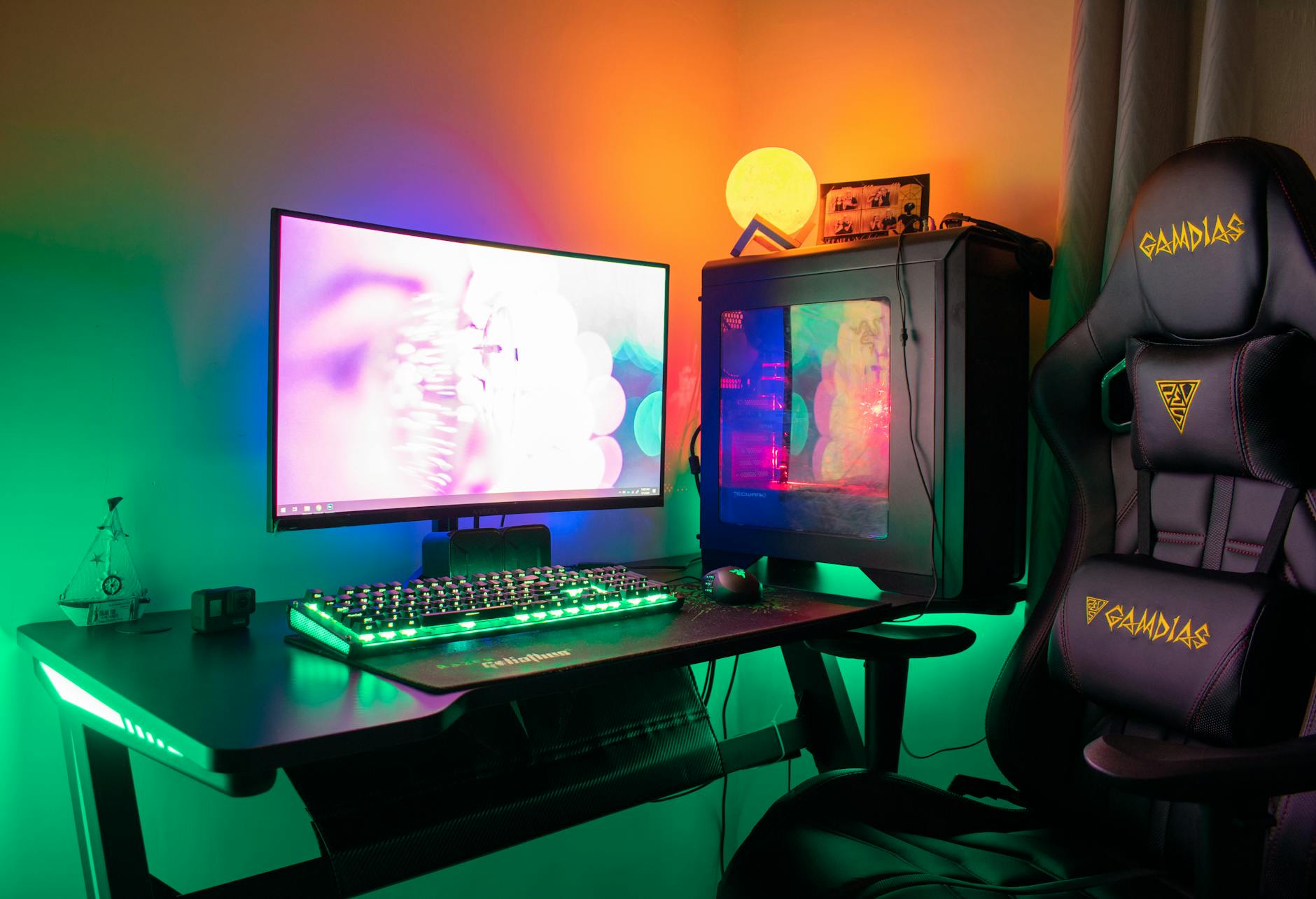
 Photo: Déji Fadahunsi / Pexels
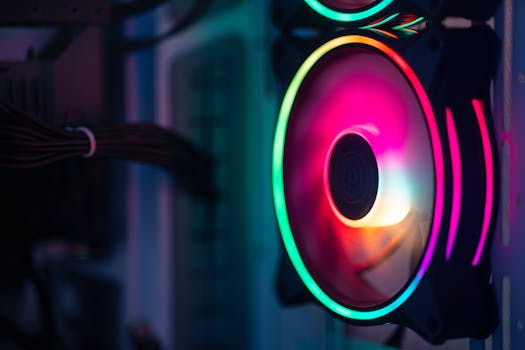 Photo: Official Glacier / Pexels
 Photo: Julio Lopez / Pexels
 Photo: panumas nikhomkhai / Pexels