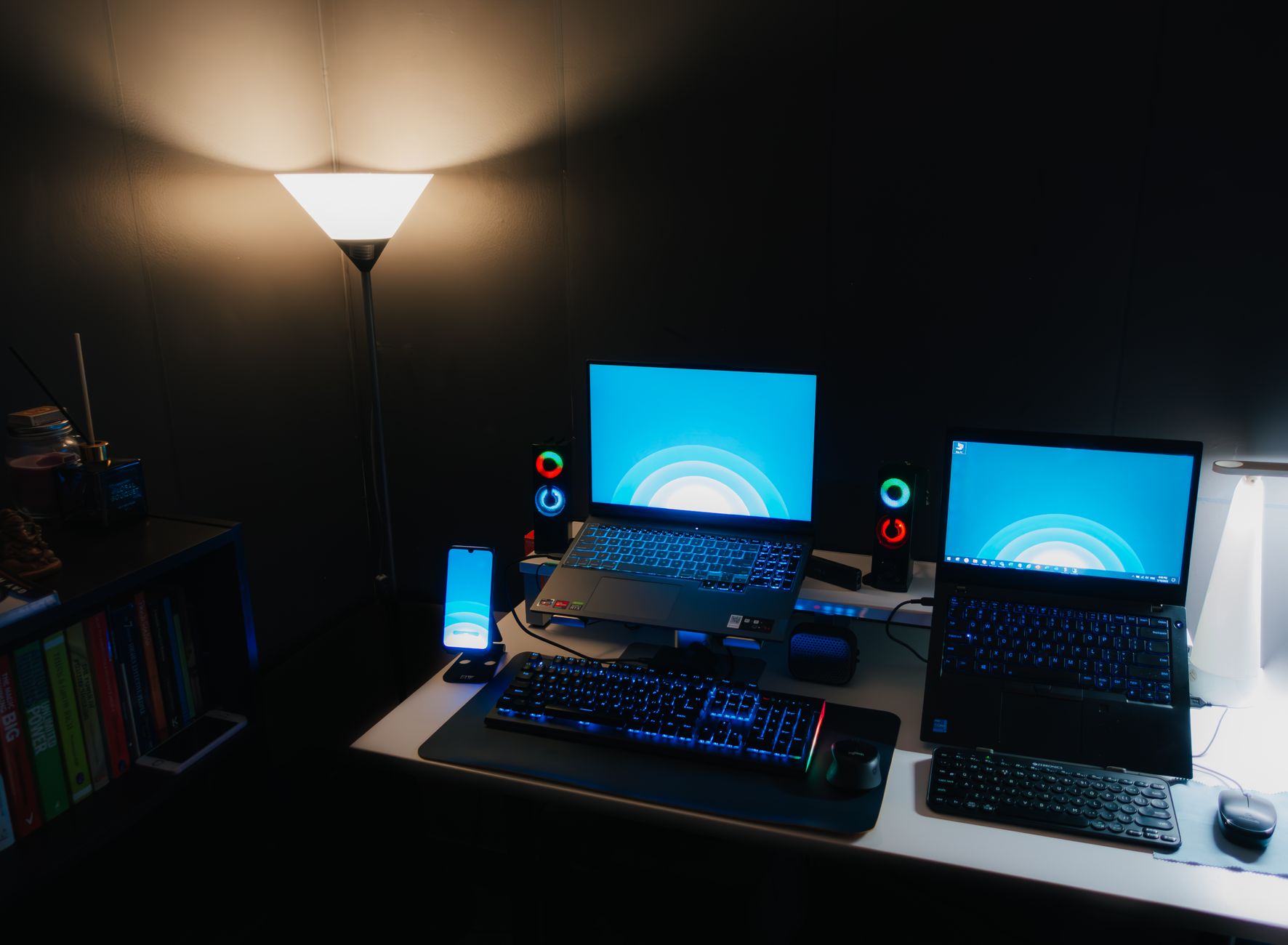
Unleash Gaming Power: Cheap Gaming Laptops Under $1000
cheap gaming laptops under $1000

Unleash Gaming Power: Cheap Gaming Laptops Under $1000

Unlock incredible gaming performance and value with our guide to the best budget-friendly gaming laptops available today.

Find Your Deal Now

Key Takeaways

  • ✓ Modern budget gaming laptops offer surprisingly powerful performance.
  • ✓ Focus on CPU, GPU, RAM, and SSD for the best value.
  • ✓ Refurbished or sales events can unlock even better deals.
  • ✓ Balancing specs and price is key to a satisfying purchase.

How It Works

1
Define Your Gaming Needs

Identify the types of games you'll play and their system requirements. This helps narrow down suitable CPU and GPU options.

2
Research Core Components

Prioritize a dedicated graphics card (NVIDIA GTX/RTX or AMD RX). Aim for at least 8GB RAM (16GB is better) and an SSD for speed.

3
Compare Models & Deals

Look for sales, open-box items, or previous-generation models from reputable brands. Read reviews focusing on performance and build quality.

4
Consider Upgradability & Peripherals

Check if RAM or storage can be upgraded later. Factor in the cost of a good gaming mouse or headset, if not already owned.

The Myth Debunked: Powerful Cheap Gaming Laptops Under $1000 Exist

For years, the idea of a 'cheap gaming laptop' was almost an oxymoron. Gamers often faced a tough choice: either spend a fortune on a high-end rig or resign themselves to playing older titles on low settings. However, thanks to rapid advancements in mobile computing technology and fierce competition among manufacturers, the landscape has dramatically shifted. Today, finding a capable gaming laptop for under $1000 isn't just a dream – it's a tangible reality. This article isn't about compromising on fun; it's about making smart, informed decisions to maximize your gaming budget. We're going to dive deep into what makes these budget beasts tick, what you should prioritize, and how to spot the truly great deals among a sea of options. You don't need to be a tech wizard to navigate this market. Our goal is to equip you with the knowledge to confidently select a machine that will deliver a satisfying gaming experience without forcing you to empty your savings. We'll explore the critical components that contribute to gaming performance, demystifying terms like 'GPU' and 'refresh rate' so you understand their importance. We'll also highlight specific models and brands that consistently offer excellent value in this price bracket. The key to unlocking this value lies in understanding where manufacturers make their strategic compromises and how those trade-offs align with your personal gaming habits. For instance, a casual gamer might not need the absolute fastest processor, but a competitive esports player would prioritize a high refresh rate display. This guide will help you identify those nuances, ensuring your investment is well-placed. Furthermore, we'll discuss the often-overlooked aspects of budget gaming laptops, such as thermal management, connectivity options, and potential for future upgrades. A laptop might look great on paper, but if it overheats constantly or lacks essential ports, it can quickly sour your experience. Our comprehensive approach ensures you consider all angles before making a purchase. Remember, 'cheap' doesn't have to mean 'low quality.' It means smart spending and finding the sweet spot where performance meets affordability. By the end of this guide, you'll be well-prepared to snag one of the best gaming laptops that proves power doesn't always come with a premium price tag. Get ready to game on, without the guilt of overspending.

Decoding the Specs: What to Look for in Budget Gaming Notebooks

When you're hunting for cheap gaming laptops under $1000, understanding the core components is paramount. This isn't about getting the absolute best of everything; it's about optimizing for the best performance within your budget. The Graphics Processing Unit (GPU) is your number one priority. This is the heart of your gaming experience, responsible for rendering all those stunning visuals. For laptops in this price range, you'll typically be looking at NVIDIA's GeForce GTX 1650, GTX 1660 Ti, or entry-level RTX 3050/3050 Ti cards, and AMD's Radeon RX 6600M. While these aren't top-tier cards, they are more than capable of running most modern games at 1080p resolution with decent to high settings. Don't fall into the trap of prioritizing a high-end CPU over a dedicated GPU for gaming – the GPU almost always has a greater impact on frame rates. Next up is the Central Processing Unit (CPU). An Intel Core i5 (10th, 11th, or 12th generation) or an AMD Ryzen 5 (4000, 5000, or 6000 series) will provide ample processing power for gaming and general tasks. While an i7 or Ryzen 7 would be nice, the performance jump for gaming might not justify the increased cost in a budget build, especially if it means sacrificing GPU quality. Focus on multi-core performance for a smoother overall experience, even if the base clock speed isn't the absolute highest. Random Access Memory (RAM) is crucial for multitasking and loading game assets quickly. Aim for a minimum of 8GB of DDR4 RAM. While 8GB is sufficient for many games, 16GB will offer a noticeable improvement in performance, especially if you like to run other applications in the background or play more demanding titles. Many budget laptops allow for RAM upgrades, so check if there's an empty slot or if the existing RAM is upgradable. Storage is another key area. An SSD (Solid State Drive) is non-negotiable for gaming laptops today. It drastically reduces load times for games and the operating system. Look for at least a 256GB NVMe SSD, but ideally, a 512GB SSD will give you more breathing room for game installations. Some budget laptops might offer a smaller SSD combined with a larger traditional HDD (Hard Disk Drive) for bulk storage. While HDDs are slower, this can be a cost-effective way to get more storage overall. Finally, consider the display. A 1080p (Full HD) resolution is standard and perfect for gaming on a budget laptop. Look for a refresh rate of at least 60Hz, but if you can find a 120Hz or 144Hz panel, it will make a significant difference in the smoothness of your gameplay, particularly in fast-paced titles. IPS panels offer better viewing angles and color accuracy than TN panels, which is a nice bonus if available. Don't forget about build quality, cooling, and port selection – these might not impact raw performance but significantly affect the user experience and longevity of your machine.

Top Contenders: Best Affordable Gaming PCs Under $1000 Right Now

The market for cheap gaming laptops under $1000 is surprisingly competitive, with several manufacturers vying for your attention by offering compelling packages. While specific models can fluctuate in price and availability, certain brands consistently deliver excellent value. Acer's Nitro 5 series and ASUS's TUF Gaming line are perennial favorites in this budget category. These laptops often feature robust chassis, decent cooling solutions, and a good balance of components for the price. You'll frequently find them equipped with NVIDIA GTX 1650/1660 Ti or RTX 3050 GPUs, paired with Intel Core i5 or AMD Ryzen 5 processors, and 8GB or 16GB of RAM. Their screens typically offer 1080p resolution with refresh rates ranging from 60Hz to 144Hz, providing a smooth visual experience for most games. Lenovo's IdeaPad Gaming 3 series is another strong contender, often offering a sleek design alongside solid performance. These models tend to focus on a clean aesthetic while still packing enough punch for modern gaming. They often come with similar GPU/CPU combinations as Acer and ASUS, making them direct competitors. Dell's G-series laptops, particularly the G15, have also made a significant impact in the budget gaming space. Dell brings its established build quality and reliability, often offering configurations with excellent thermal management, which is crucial for sustained gaming sessions. Their designs might be a bit more understated compared to some competitors, appealing to those who prefer a less 'gamer-y' look. HP's Victus line is a newer player that has quickly gained traction, presenting a more refined aesthetic while still delivering competitive gaming performance. Victus laptops often boast good displays and solid keyboard experiences, making them suitable for both gaming and productivity. When evaluating these brands and their models, always check the specific configuration. A laptop model can have multiple variants, and the exact CPU, GPU, RAM, and storage will dictate its performance and price. Retailers like Best Buy, Amazon, and Newegg are excellent places to start your search, especially during sales events like Black Friday, Prime Day, or back-to-school promotions. Don't shy away from looking at previous-generation models, as these often receive significant price drops once newer models are released, offering incredible value for still-powerful hardware. Remember to read reviews not just for raw performance, but also for aspects like keyboard feel, trackpad responsiveness, battery life, and fan noise, as these contribute significantly to the overall user experience of your new laptop. Your ideal budget gaming laptop balances these factors to create a satisfying and durable gaming companion.

Optimizing Your Experience: Tips & Common Mistakes with Budget Gaming Laptops

Getting the most out of your cheap gaming laptop under $1000 involves more than just buying the right machine; it's also about how you use and maintain it. Here are some crucial tips and common mistakes to avoid: * **Prioritize a Dedicated GPU:** This is the most important component for gaming. Don't compromise on the GPU to get a slightly better CPU or more RAM if it means a significantly weaker graphics card. A GTX 1650 or RTX 3050 is a good starting point. * **Upgrade RAM (if possible):** Many budget laptops come with 8GB RAM. While sufficient, upgrading to 16GB (if there's an available slot or if the existing sticks are replaceable) is one of the most impactful and cost-effective upgrades you can make for smoother gameplay and multitasking. * **Invest in an External Cooling Pad:** Budget laptops often have less sophisticated cooling systems. A good cooling pad can significantly reduce temperatures during intense gaming sessions, preventing thermal throttling and extending the lifespan of your components. * **Keep Drivers Updated:** Always ensure your graphics drivers (NVIDIA GeForce Experience or AMD Radeon Software) are up-to-date. New drivers often bring performance optimizations for the latest games. * **Manage Background Processes:** Close unnecessary applications and background processes before launching a game. This frees up RAM and CPU cycles, dedicating more resources to your game. * **Adjust In-Game Settings:** You might not be able to run every game on 'Ultra' settings. Experiment with 'High' or 'Medium' settings, especially for shadows, anti-aliasing, and texture quality, to find the sweet spot between visual fidelity and frame rate. * **Monitor Temperatures:** Use software like HWMonitor or MSI Afterburner to keep an eye on your CPU and GPU temperatures. High temperatures can lead to performance drops and component degradation. * **Clean Your Laptop Regularly:** Dust buildup in fans and heatsinks is a major cause of overheating. Periodically clean your laptop's vents with compressed air. **Common Mistakes to Avoid:** * **Ignoring the Display:** A powerful GPU is wasted on a poor display. Look for 1080p, and ideally, a higher refresh rate (120Hz/144Hz) for a smoother experience. * **Underestimating Storage Needs:** Modern games are massive. A 256GB SSD fills up quickly. Aim for 512GB or ensure there's an option to add a second drive (HDD or SSD) later. * **Overlooking Thermal Design:** A laptop might have great specs, but if it overheats constantly, performance will suffer. Read reviews about thermal performance. * **Falling for Marketing Gimmicks:** Don't be swayed by flashy RGB lighting if it means compromising on core components. Performance over aesthetics, especially on a budget. * **Not Checking Port Selection:** Ensure the laptop has the ports you need (USB-A, USB-C, HDMI) for your peripherals and external displays. * **Expecting High-End Performance:** While budget laptops are powerful, don't expect them to rival machines costing twice as much. Manage your expectations regarding frame rates in the most demanding titles. By following these tips and avoiding common pitfalls, you can ensure your sub-$1000 gaming laptop provides a fantastic and long-lasting gaming experience.

Comparison

FeatureBest Value PickPerformance BoostPortable Option
Price (approx.)$850$999$900
CPURyzen 5 5600HCore i5-12500HRyzen 7 5800H
GPUNVIDIA GeForce RTX 3050NVIDIA GeForce RTX 3050 TiNVIDIA GeForce RTX 3050
RAM8GB DDR4 (upgradable)16GB DDR48GB DDR4 (upgradable)
Storage512GB NVMe SSD512GB NVMe SSD512GB NVMe SSD
Display15.6" 1080p 120Hz IPS15.6" 1080p 144Hz IPS14" 1080p 120Hz IPS
Cooling
Weight5.07 lbs5.51 lbs3.97 lbs

What Readers Say

"I never thought I'd find a gaming laptop under $1000 that could run Cyberpunk 2077, but my new Acer Nitro 5 handles it surprisingly well on medium settings. The 120Hz screen is a game changer for competitive titles."

Alex P. · Austin, TX

"The Lenovo IdeaPad Gaming 3 I got for $899 is fantastic! It plays all my favorite esports titles like Valorant and CS:GO at high frame rates, and the keyboard feels really good for typing too. Great for college and gaming."

Samantha L. · Orlando, FL

"My Dell G15 with the RTX 3050 has been a workhorse. It's not just great for gaming; I also use it for video editing, and it renders projects much faster than my old desktop. Definitely worth the sub-$1000 price tag."

Chris D. · Seattle, WA

"The HP Victus I purchased offers solid performance for its price point. While the battery life isn't amazing during gaming, for everyday tasks and casual play, it's a stellar machine. I did upgrade the RAM myself, which was easy."

Maria G. · Chicago, IL

"As a casual gamer and student, finding a cheap gaming laptop under $1000 that could handle both my schoolwork and games like Fortnite and Apex Legends was crucial. My ASUS TUF F15 does exactly that without any issues, even with a few browser tabs open."

Ben K. · Denver, CO

Frequently Asked Questions

Can I really get a good gaming experience from cheap gaming laptops under $1000?

Absolutely! Modern budget gaming laptops, especially those with NVIDIA GTX 1650/1660 Ti or RTX 3050/3050 Ti GPUs, paired with decent Intel Core i5 or AMD Ryzen 5 CPUs, can run most contemporary games at 1080p resolution with medium to high settings, delivering a very enjoyable experience. Expectations should be managed for ultra-settings on the most demanding titles, but overall, the value is excellent.

Will these budget gaming laptops overheat easily?

While budget laptops might not have the most advanced cooling systems of their premium counterparts, reputable brands like Acer (Nitro), ASUS (TUF), and Dell (G-series) have made significant improvements in thermal management. For extended gaming sessions, however, investing in an external cooling pad is a highly recommended and cost-effective way to ensure optimal performance and longevity.

What's the most important spec to look for in a gaming laptop under $1000?

The most crucial component is the dedicated Graphics Processing Unit (GPU). This directly impacts your in-game frame rates and visual quality. Prioritize a laptop with the best possible GPU (e.g., NVIDIA RTX 3050/3050 Ti or AMD RX 6600M) within your budget, even if it means slightly compromising on the CPU or having 8GB of RAM instead of 16GB initially.

Is it better to buy a budget gaming laptop or build a cheap gaming desktop?

Both options have pros and cons. A budget gaming desktop often offers more raw performance for the same price and is highly upgradable. However, a cheap gaming laptop under $1000 provides unmatched portability, an integrated screen, keyboard, and trackpad, making it a complete, ready-to-go solution for gaming on the move or in different rooms. Your choice depends on your need for mobility versus ultimate raw power and upgradability.

What kind of games can I play on a gaming laptop under $1000?

You can comfortably play a wide range of games. Popular esports titles like Valorant, CS:GO, League of Legends, and Overwatch will run at high frame rates on high settings. Many AAA titles like Cyberpunk 2077, Assassin's Creed Valhalla, and Red Dead Redemption 2 will be playable at 1080p on medium to high settings, offering a very good visual experience. Older titles will run flawlessly.

Who are cheap gaming laptops under $1000 best suited for?

These laptops are ideal for students, casual gamers, those new to PC gaming, or anyone who needs a portable machine capable of both gaming and productivity without spending a fortune. They're perfect for playing popular titles, esports, and even some demanding AAA games at reasonable settings, offering a fantastic entry point into the world of PC gaming.

Are refurbished gaming laptops a safe option?

Buying refurbished can be a great way to save money, but it comes with caveats. Always purchase from reputable retailers (like manufacturer-certified refurbished programs or major electronics stores) that offer a warranty and a clear return policy. Thoroughly inspect the laptop upon arrival and test all components to ensure everything is in working order. A good refurbished deal can offer significantly better specs for the price.

What future trends should I consider when buying a budget gaming laptop?

Look for laptops with easily upgradable RAM and storage, as these are the most common future upgrades. Also, consider models with USB-C ports that support power delivery or display output, as this improves versatility. While Wi-Fi 6 is becoming standard, Wi-Fi 6E or even Wi-Fi 7 will offer better future-proofing for wireless connectivity, though not strictly necessary for most users today.

Don't let budget constraints hold you back from immersive gaming. With the right knowledge and a keen eye for deals, finding powerful cheap gaming laptops under $1000 is entirely achievable. Explore our recommendations and start your high-performance gaming journey today!

Topics: cheap gaming laptops under $1000budget gaming notebooksaffordable gaming PCsgaming laptop dealsentry-level gaming laptops
Leo List
Brampton weed
Adultwork